Junk Cleaner app icon

Free up space. You stay in charge.

Junk Cleaner shows you exactly what is filling your phone, then lets you decide what goes. Every file is listed first, nothing is ticked for you, and removed files wait in a Trash.

Free · No ads · Works offline · Android and Mac

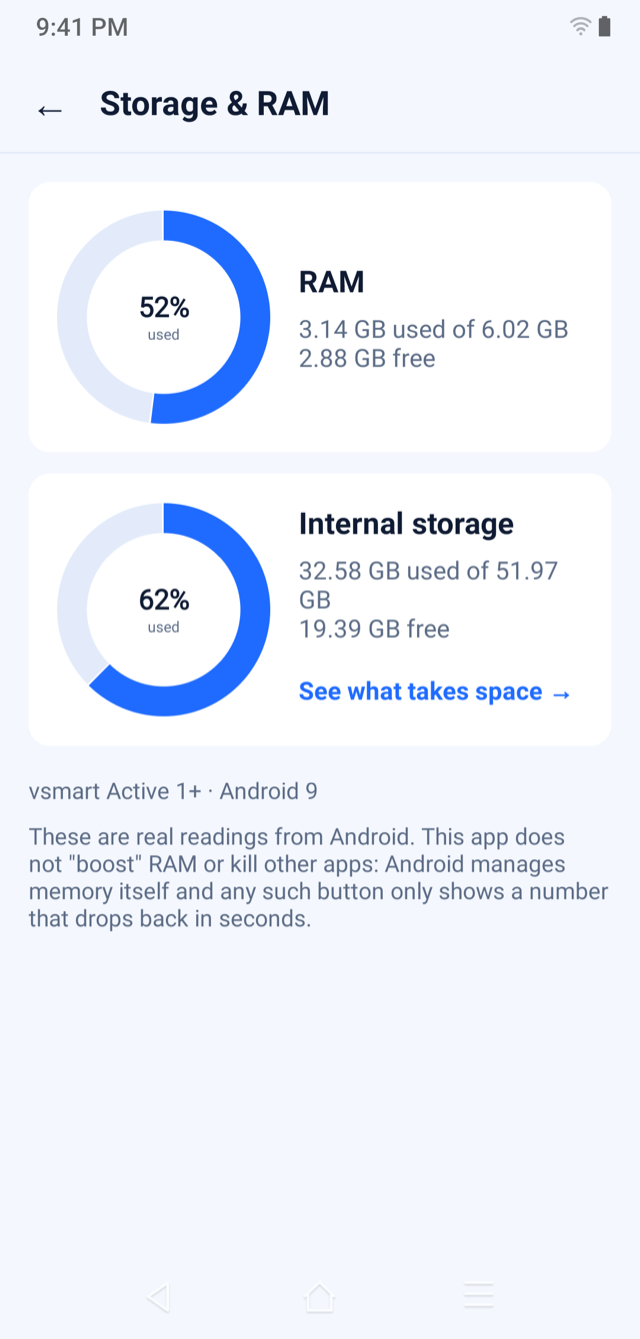
Junk Cleaner Storage and RAM screen with real readings
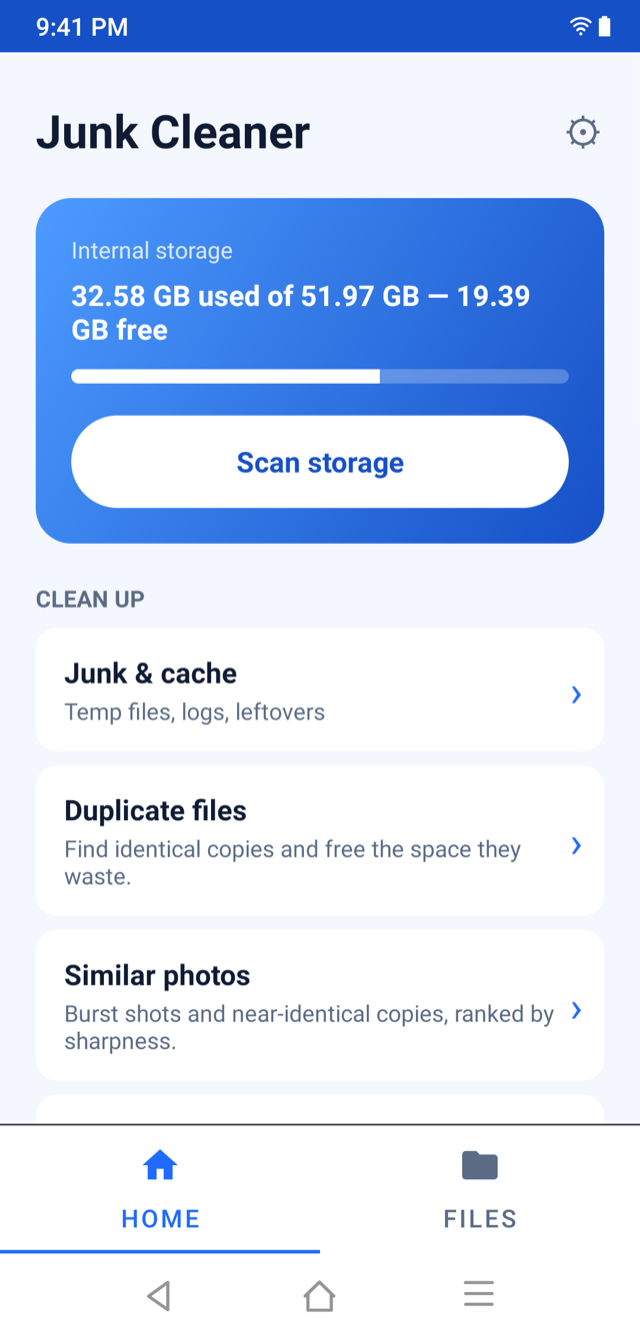
Junk Cleaner home screen showing internal storage and the clean-up tools
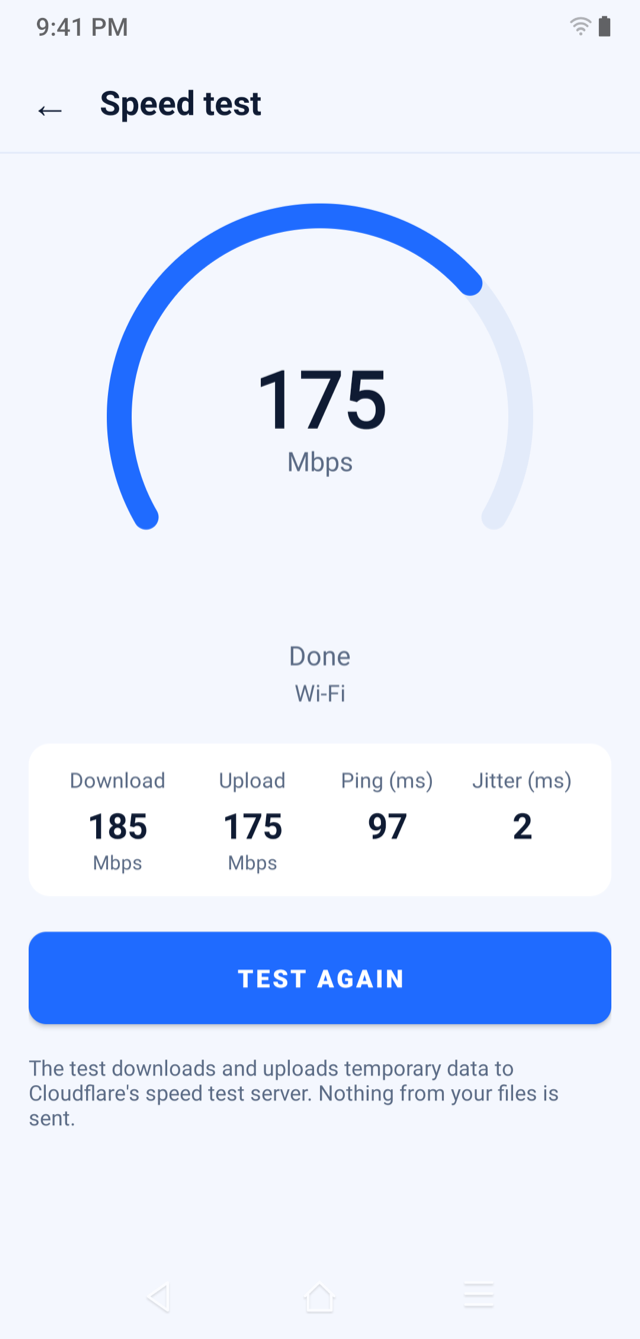
Junk Cleaner speed test result: download, upload, ping and jitter

Find what’s wasting space. Review every file. Remove only what you choose.

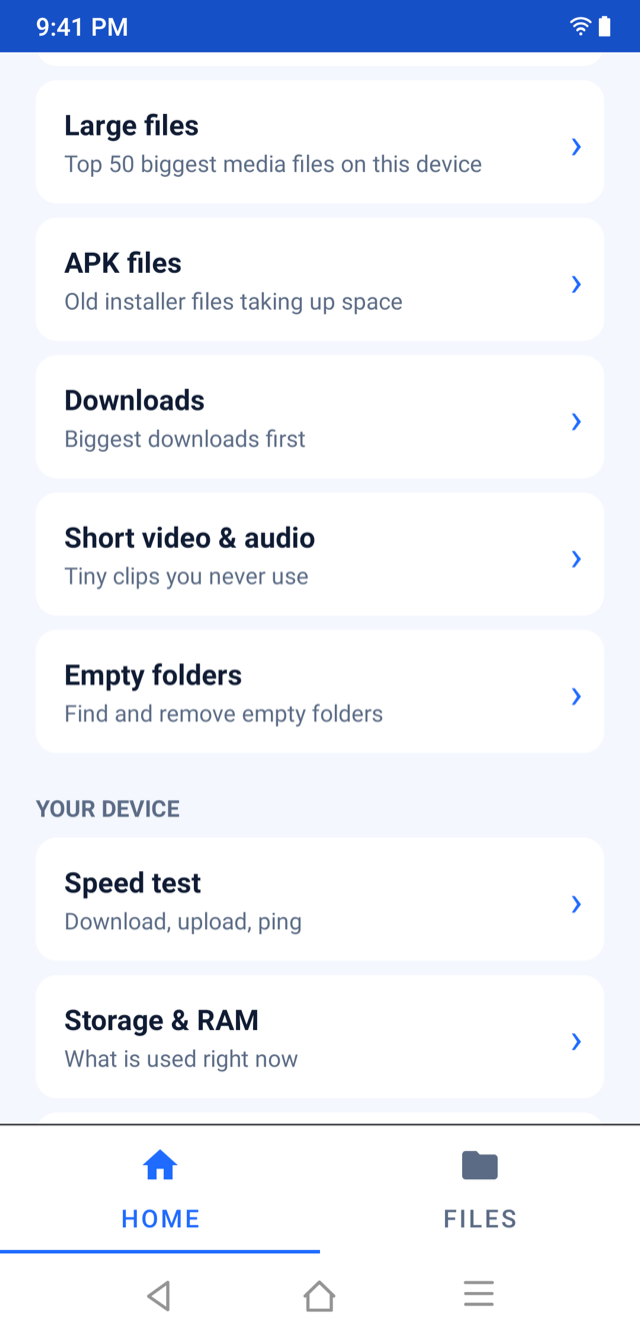
Junk Cleaner tool list: large files, APK files, downloads, short video and audio, empty folders, speed test, storage and RAM

How it works

Three taps, no surprises.

No “Clean now” button that decides for you. Pick a tool, look at the list, and choose.

  1. Pick a tool

    Junk & cache, duplicates, similar photos, large files, downloads and more.

  2. Review the list

    Files are sorted biggest first and nothing is ticked by default.

  3. Remove — or undo

    Removed files go to the Trash. Restore anything with one tap.

Clean up

The clutter you never see.

Leftover temp files, logs and thumbnail caches, plus exact copies found by content, not by file name.

  • Junk & cache in folders you choose
  • Duplicate files matched by content
  • Similar photos ranked by sharpness — keep the best
  • Old APK installers and empty folders
Junk Cleaner clean-up tools: junk and cache, duplicate files, similar photos

Your device

Real numbers. No “boost”.

Storage and RAM straight from Android, with a plain explanation. We don’t add a “boost RAM” button, because Android manages memory itself.

  • Live storage and RAM readings
  • Storage map drawn to scale
  • App sizes, last used, uninstall
Junk Cleaner Storage and RAM: 52 percent RAM used, 62 percent internal storage used

Speed test

Your connection in 20 seconds.

Download, upload, ping and jitter. The only feature that goes online, and it only exchanges random test data with Cloudflare’s public speed server.

  • Runs only when you press Start
  • No file names or personal data sent
  • Capped so it won’t eat your data plan
Junk Cleaner speed test gauge showing 175 Mbps

And more

A whole file manager inside.

  • Trash

    Restore anything this app removed.

  • Encrypted vault

    Lock private files behind your password.

  • Browse & organise

    Copy, move, rename and delete in folders you grant.

  • Just arrived

    Everything added in the last 7 days.

Honest by design.Nothing to hide.

Free, no ads

Nothing to buy and no ad networks. It’s a tool, not a funnel.

Works offline

Your files are scanned on your phone and never leave it.

No scare tactics

No red warnings, no fake “your phone is slow” alerts.

Questions, answered.

Something missing? Write to contact@fighttech.vn.

Is Junk Cleaner really free?

Yes. There are no ads, no subscription and nothing to buy.

Will it delete files without asking?

Never. Every tool shows the files first, nothing is ticked by default, and removed files go to a Trash where you can restore them.

Does it need the internet?

No. The only feature that goes online is the speed test, which exchanges random test data with Cloudflare’s public speed server. No file names or personal data are sent.

Why does it ask for access to my files?

To scan for junk, duplicates and large files, and to list installed apps with their sizes. This happens only on your phone and only when you open a tool.

Is there a “boost RAM” button?

No, on purpose. Android manages memory itself, and those buttons only show a number that drops back within seconds. We show real readings instead.

Does it collect any data?

No account is needed. Usage statistics and crash reports are off until you turn them on in Settings. See the privacy policy.


Get your space back.Keep your say.

Free on Google Play for Android, and as a download for Mac and Windows.

macOS 13 or later · Universal (Apple silicon and Intel) · Notarized by Apple · 4.4 MB (zip with the installer inside)

Windows 10 (1809) or later · 64-bit installer · Not code-signed yet: if SmartScreen warns, choose More info, then Run anyway. Windows on ARM (ARM64)