
For Mac

Free up your Mac. You stay in charge.

Junk Cleaner shows what is filling your Mac — caches, leftovers, old installers, duplicates and similar photos — sorted by size, so you decide what goes.

Windows 10 (1809) or later · 64-bit installer · Not code-signed yet: if SmartScreen warns, choose More info, then Run anyway. Windows on ARM (ARM64)

The Mac App Store edition is the recommended one, and the screenshots and features below are from it: menu bar companion, widgets and 17 languages. The direct download is an alternative. See the differences.

Screenshots

A calm look at your storage.

Mac App Store edition, shown in your language.

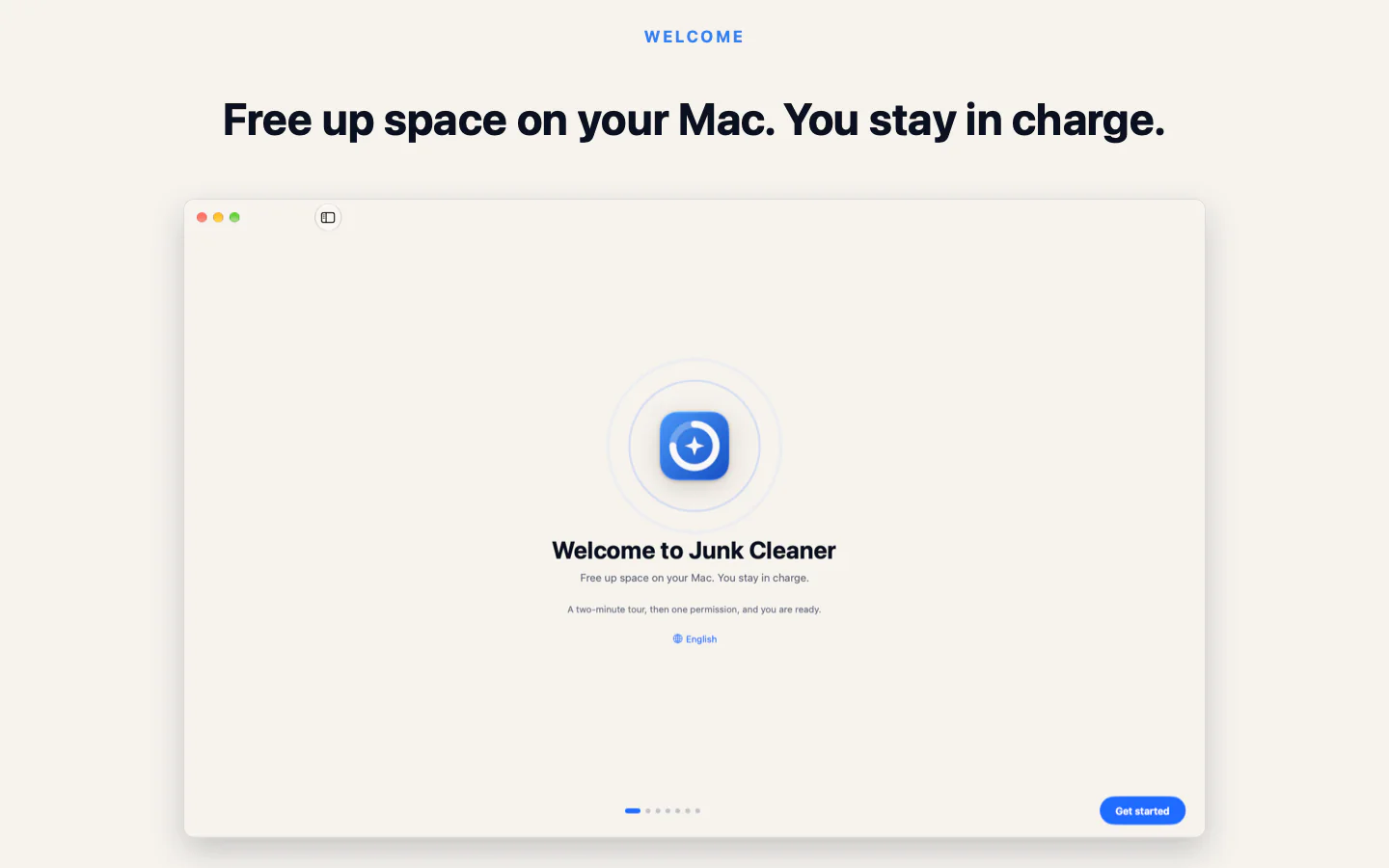
Junk Cleaner for Mac welcome screen: free up space, you stay in charge
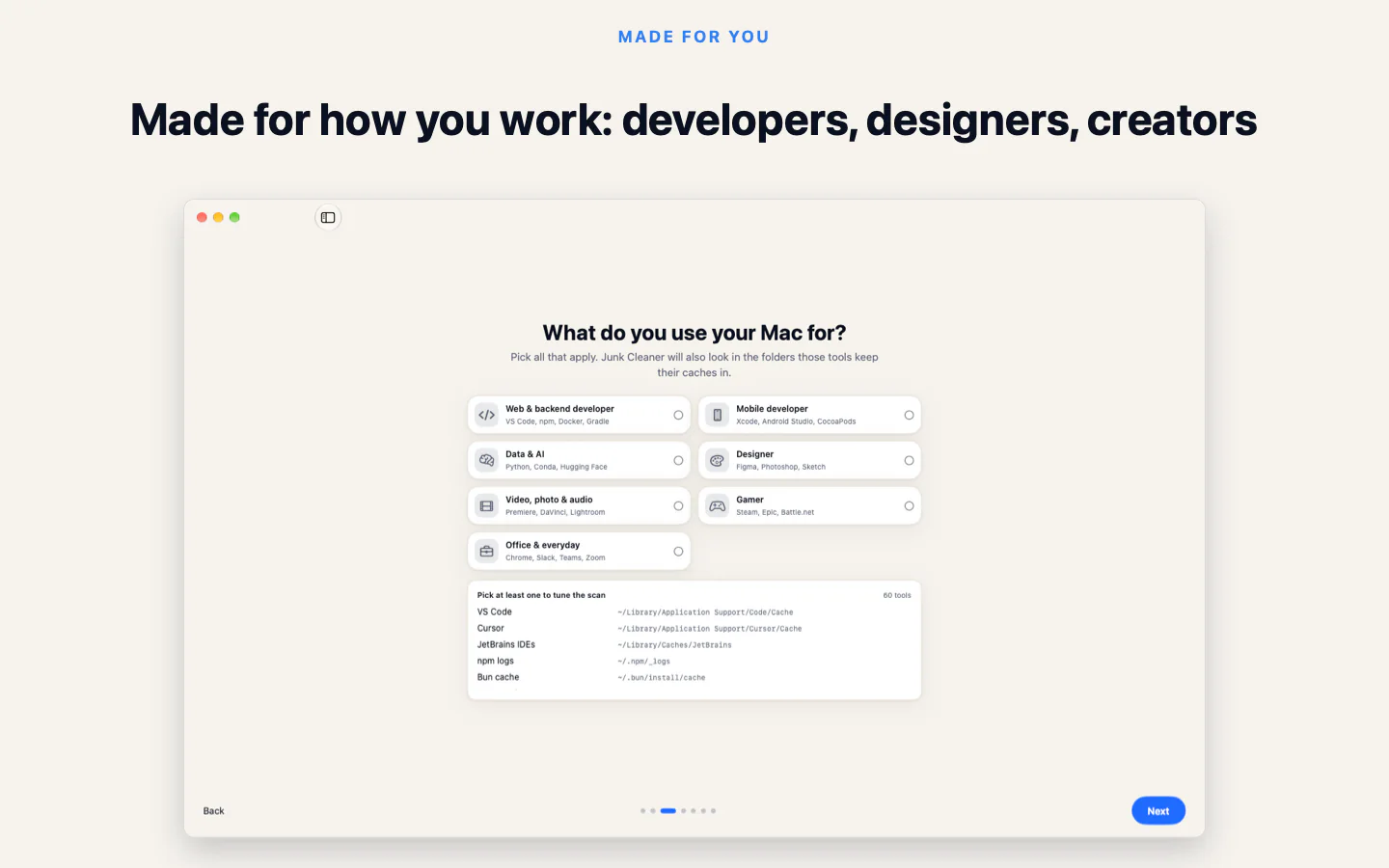
Choose your profession to see the caches that matter to you
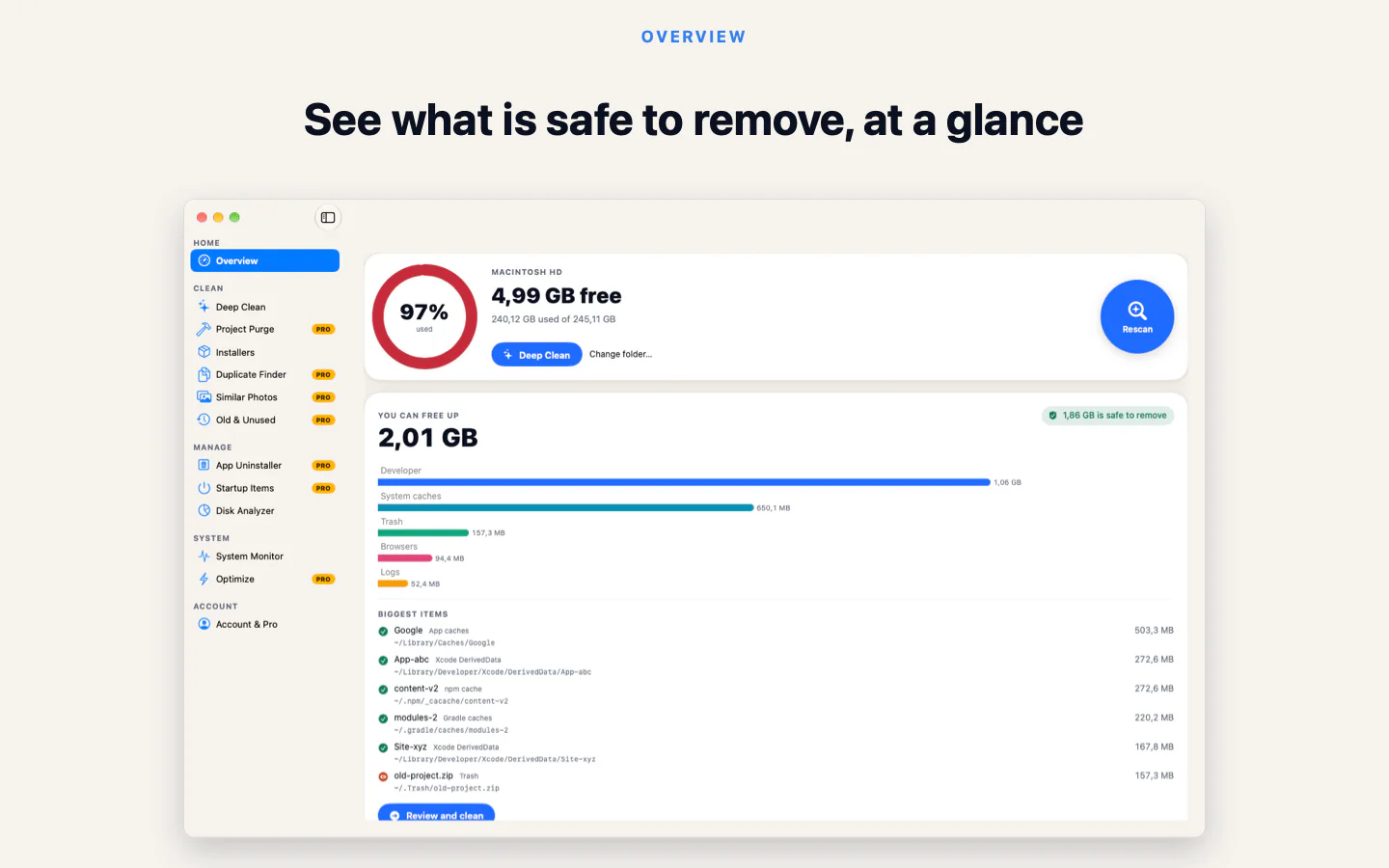
Overview with free space, what you can free up and the biggest items
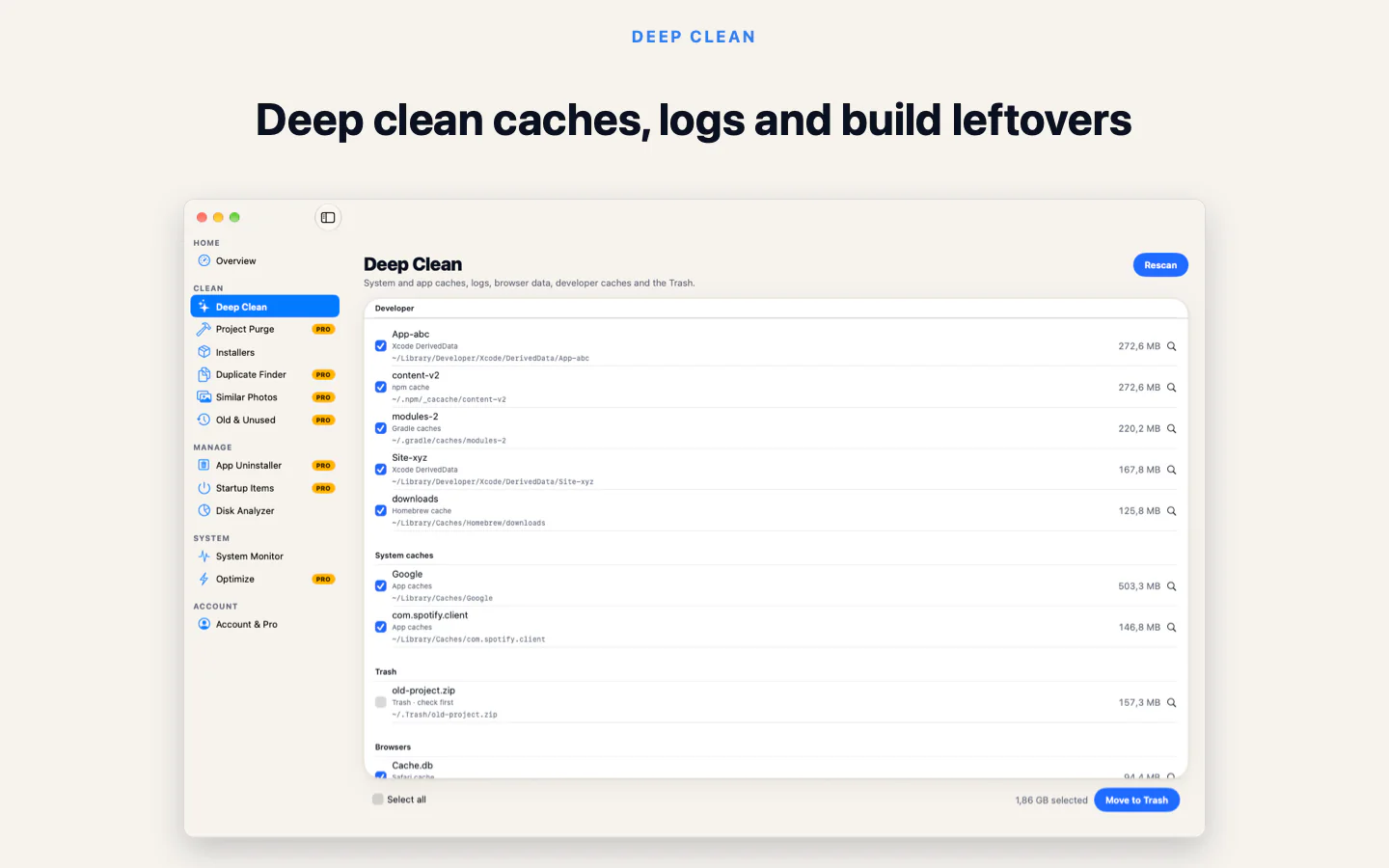
Deep Clean listing caches, logs and build leftovers
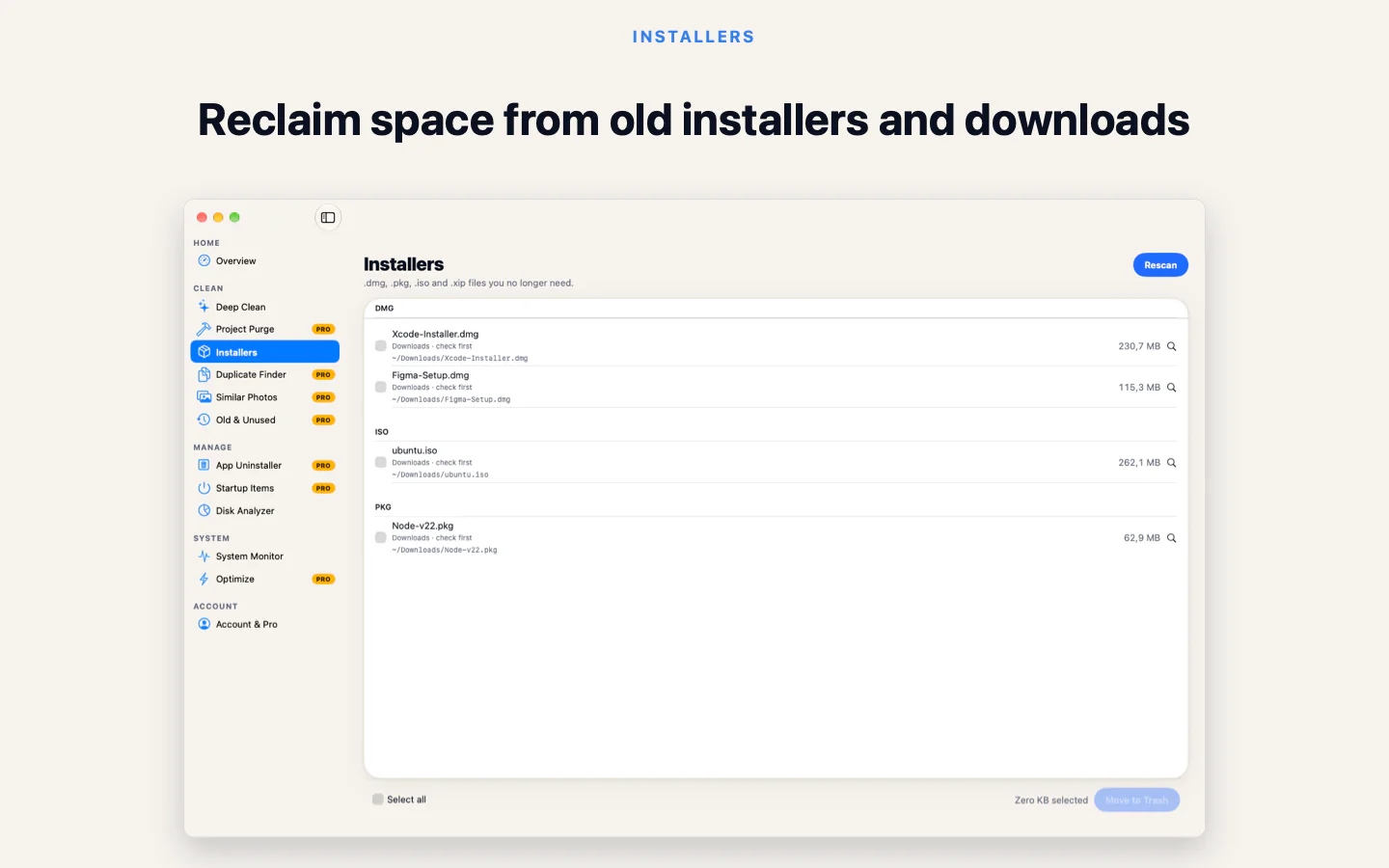
Installers: old DMG, PKG and ZIP files you already used

Features

Everything for a tidy Mac.

Ten tools, a menu bar companion and widgets. Features below are from the Mac App Store edition.

Clean up

  • Deep Clean

    Pick your profession once and see a cache catalog for your apps: Xcode, Android Studio, npm, Docker, Adobe and more.

  • Installers

    Old DMG, PKG and ZIP installers you have already used.

  • Project PurgePro

    node_modules, build, target and Pods folders inside old projects.

  • Duplicate FinderPro

    Identical files matched by content, not by name. You choose which copy stays.

  • Similar PhotosPro

    Near-identical shots and bursts grouped with Apple Vision, on your Mac.

  • Old & UnusedPro

    Large files you have not opened in a long time.

Look after

  • App UninstallerPro

    Removes an app together with its support files, caches and preferences.

  • Startup ItemsPro

    See what opens when you log in and switch off what you do not need.

  • Disk Analyzer

    An interactive size map of your folders, so the biggest ones stand out.

  • System Monitor

    Live CPU, memory, disk and network usage, with charts.

  • Storage forecast

    Estimates when your disk may fill up from your recent free-space history. It needs a few days of data first.

Always at hand

  • Menu bar

    Free space, CPU and memory at a glance. On by default, and you can turn it off.

  • Quick Clean

    Starts a safe scan from the menu bar or a widget, then offers one button to move the safe items to the Trash.

  • Notch panel

    An optional live-status panel under the notch, or under the menu bar on Macs without one. Off until you turn it on.

  • Widgets

    Free space, reclaimable space and a storage report on your desktop, in small, medium and large sizes.

Made your way

  • Light and dark

    Follows macOS, or choose Light or Dark yourself.

  • 17 languages

    Switch language inside the app, including right-to-left Arabic.

Private by design.Careful by default.

Stays on your Mac

Files are read on your Mac and never uploaded. No account is needed; Sign in with Apple is optional.

Review, then Trash

You look through every item first. Cleaned files go to the Trash, so you can put anything back.

Analytics are opt-in

Anonymous usage and crash reports stay off until you say yes. They never include file names or paths.

These points describe the Mac App Store edition.

Editions

Two ways to install it.

Same idea, built for how each one is distributed.

Recommended

Mac App Store edition

Sandboxed, with the tools and always-on features above. macOS asks you once to choose your home folder.

  • Scanning is always free; the free plan cleans up to 500 MB per launch
  • Pro is an in-app purchase, with a one-time lifetime option. It removes the limit and unlocks the deep tools
  • Cleaned files go to the Trash first
  • Menu bar, notch panel, widgets, forecast, light and dark, 17 languages

Available now

Direct download

A notarized build from this page. Free, with no in-app purchases.

  • Smart Care scan, system junk, caches and Trash
  • Developer cleanup: Xcode, Homebrew, npm, Docker and AI apps
  • App uninstaller with leftovers, duplicates, similar photos and a space explorer
  • Its own menu bar system monitor. The notch panel, widgets and forecast are App Store only
  • May ask for Full Disk Access to reach protected folders

Questions, answered.

Something missing? Write to contact@fighttech.vn.

Is it free?

The direct download is free and has no in-app purchases. In the Mac App Store edition, scanning is always free and you can clean up to 500 MB per launch; Pro removes the limit.

Which edition should I get?

The Mac App Store edition. It is free to download, adds the menu bar companion, widgets and 17 languages, and runs in the App Store sandbox. The direct download on this page is an alternative if you prefer to install outside the App Store.

Which Macs does it run on?

macOS 13 or later, on Apple silicon and Intel. The download is notarized by Apple.

Are my files uploaded anywhere?

No. Files are read on your Mac. In the Mac App Store edition, analytics and crash reports are off until you opt in, and they never include file names or paths.

Why does the App Store edition ask for my home folder?

Mac App Store apps are sandboxed. macOS asks you once to choose your home folder, and Junk Cleaner can only see what you grant.

Is there a Windows version?

Yes. Download the installer from this page: Windows 10 (version 1809) or later, 64-bit or ARM64. It is free and finds the same things as the Mac version. There is also a free Android app on Google Play.

Get your space back.Keep your say.

Get the Mac App Store edition, free to download, or use the direct download for macOS.

macOS 13 or later · Universal (Apple silicon and Intel) · Notarized by Apple · 4.4 MB (zip with the installer inside)

Windows 10 (1809) or later · 64-bit installer · Not code-signed yet: if SmartScreen warns, choose More info, then Run anyway. Windows on ARM (ARM64)